Format conversion
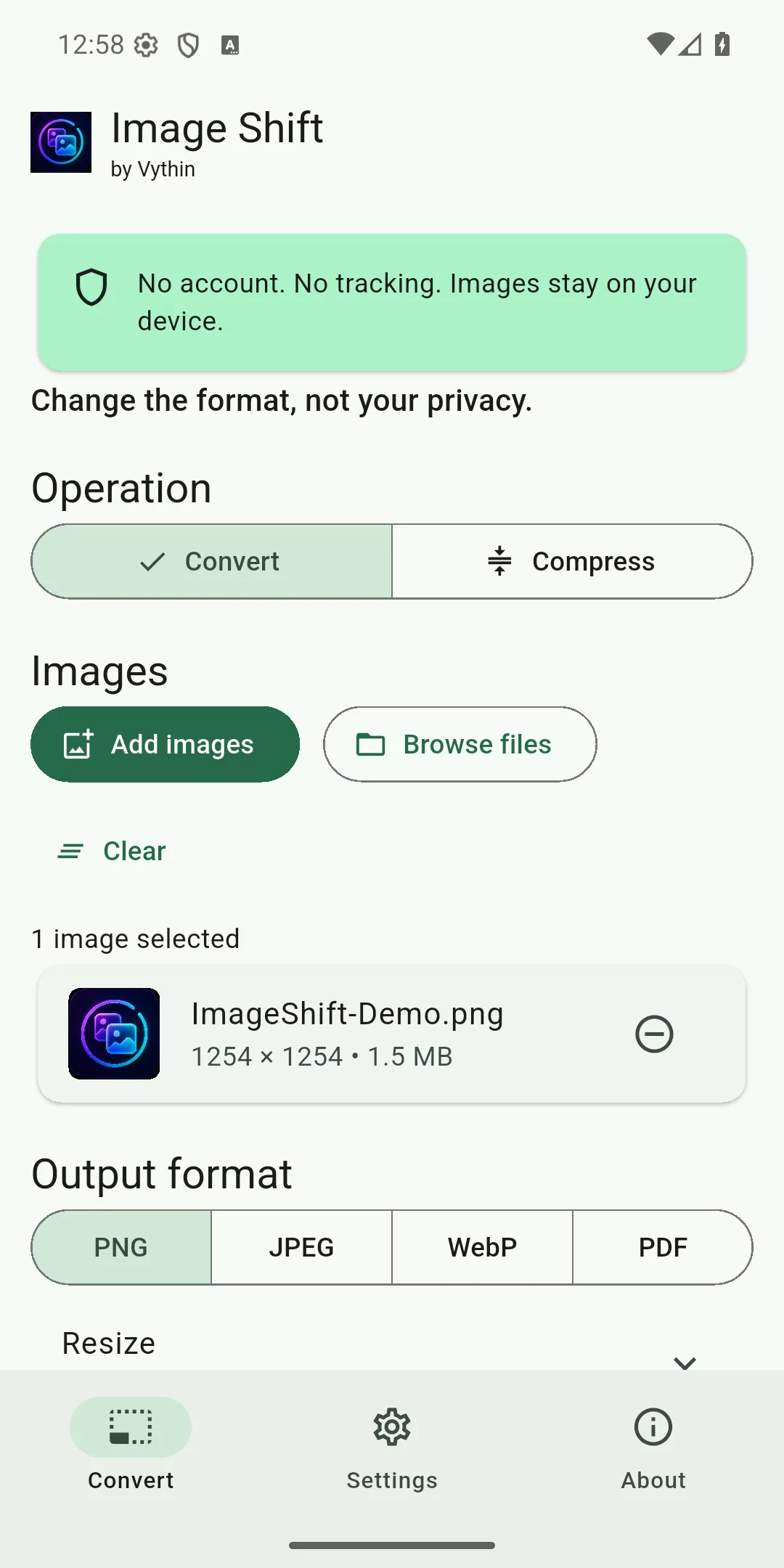
Convert PNG, JPEG, WebP and supported BMP input to PNG, JPEG, lossless WebP or PDF.
 Vythin
Image Shift
Convert and compress images on your Android device. Your images are not uploaded to Vythin, and the app needs no account or tracking.
Privacy
Image Shift has no account, analytics, advertising, tracking, cloud image processing or AI processing. Supported embedded metadata can be inspected and removed locally.
Convert PNG, JPEG, WebP and supported BMP input to PNG, JPEG, lossless WebP or PDF.
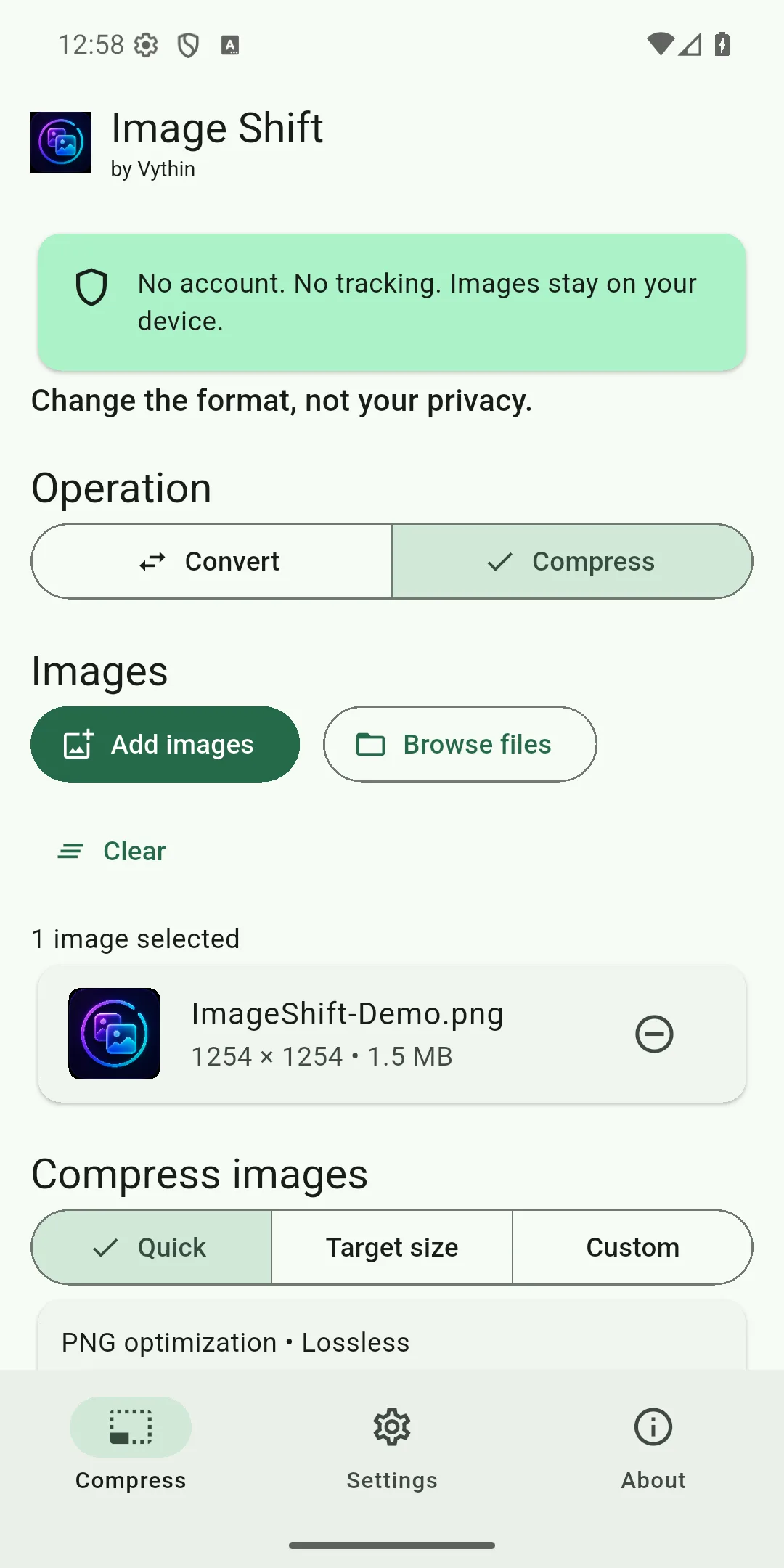
Use lossless PNG, lossy JPEG or lossless WebP compression with clear size results.
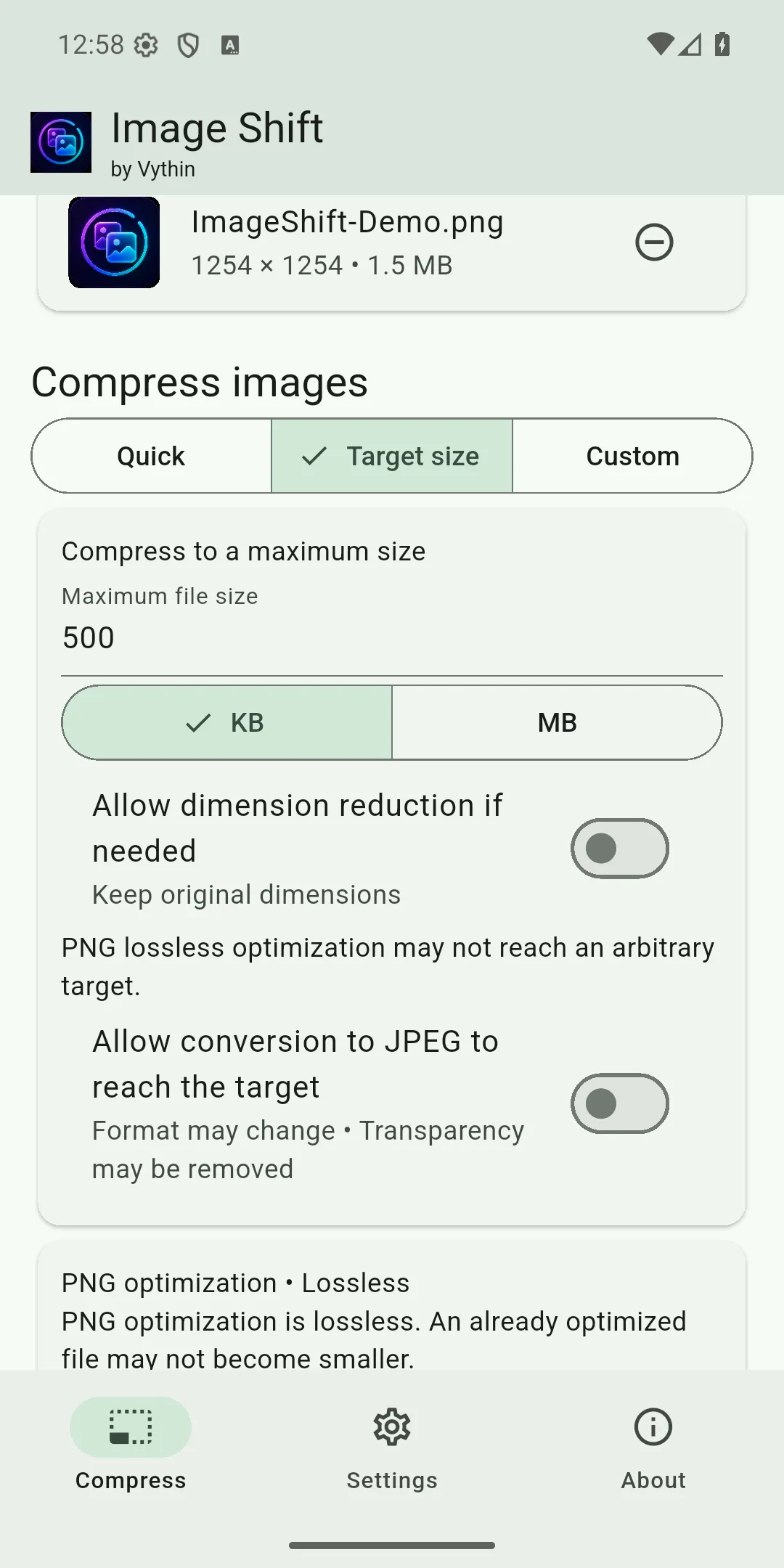
Search for a JPEG quality that fits within a requested maximum size; the result is not promised to be an exact byte size.
Process multiple images and export selected results to a folder you choose.
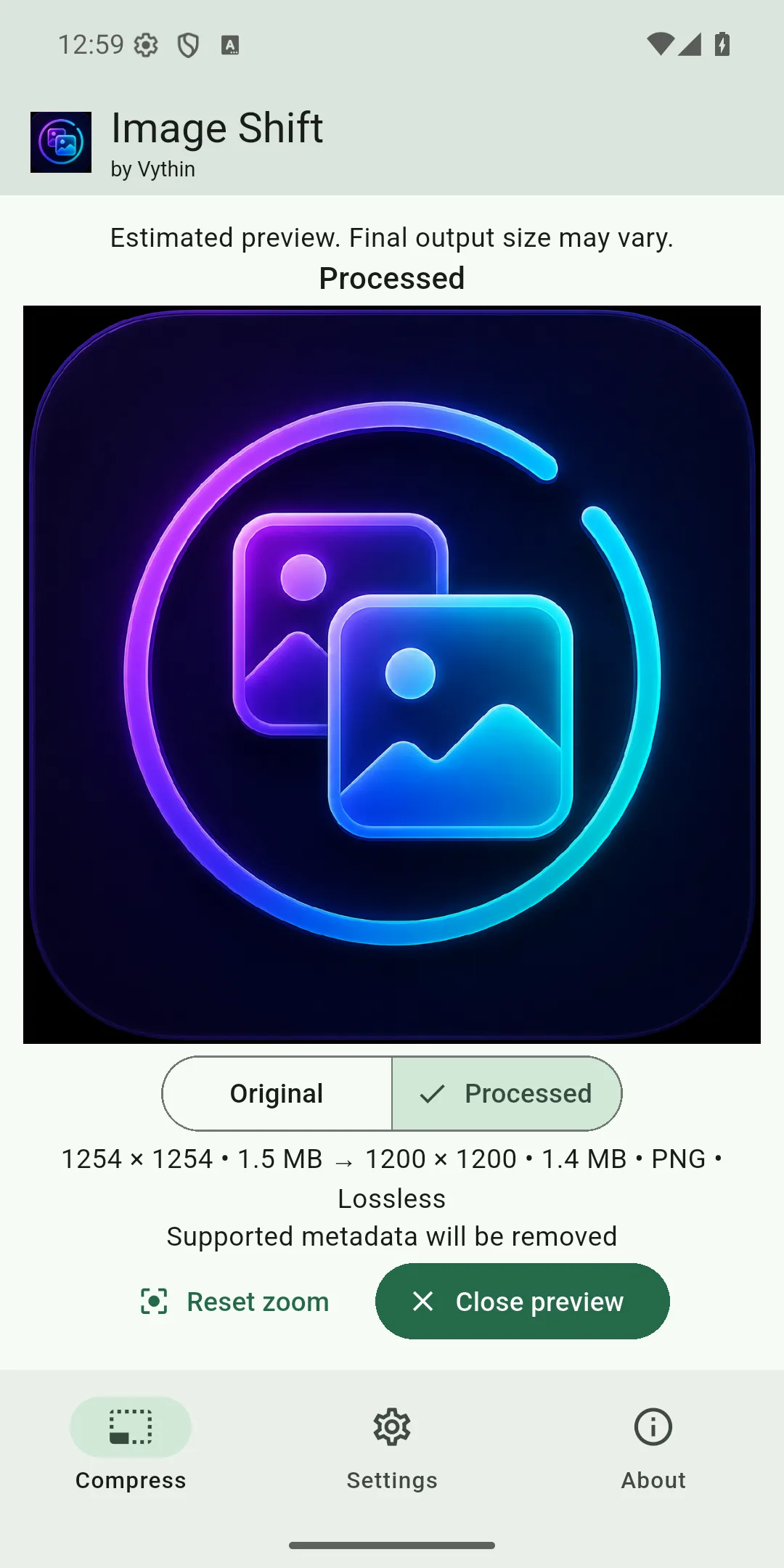
Compare the original and processed estimate before running the operation.
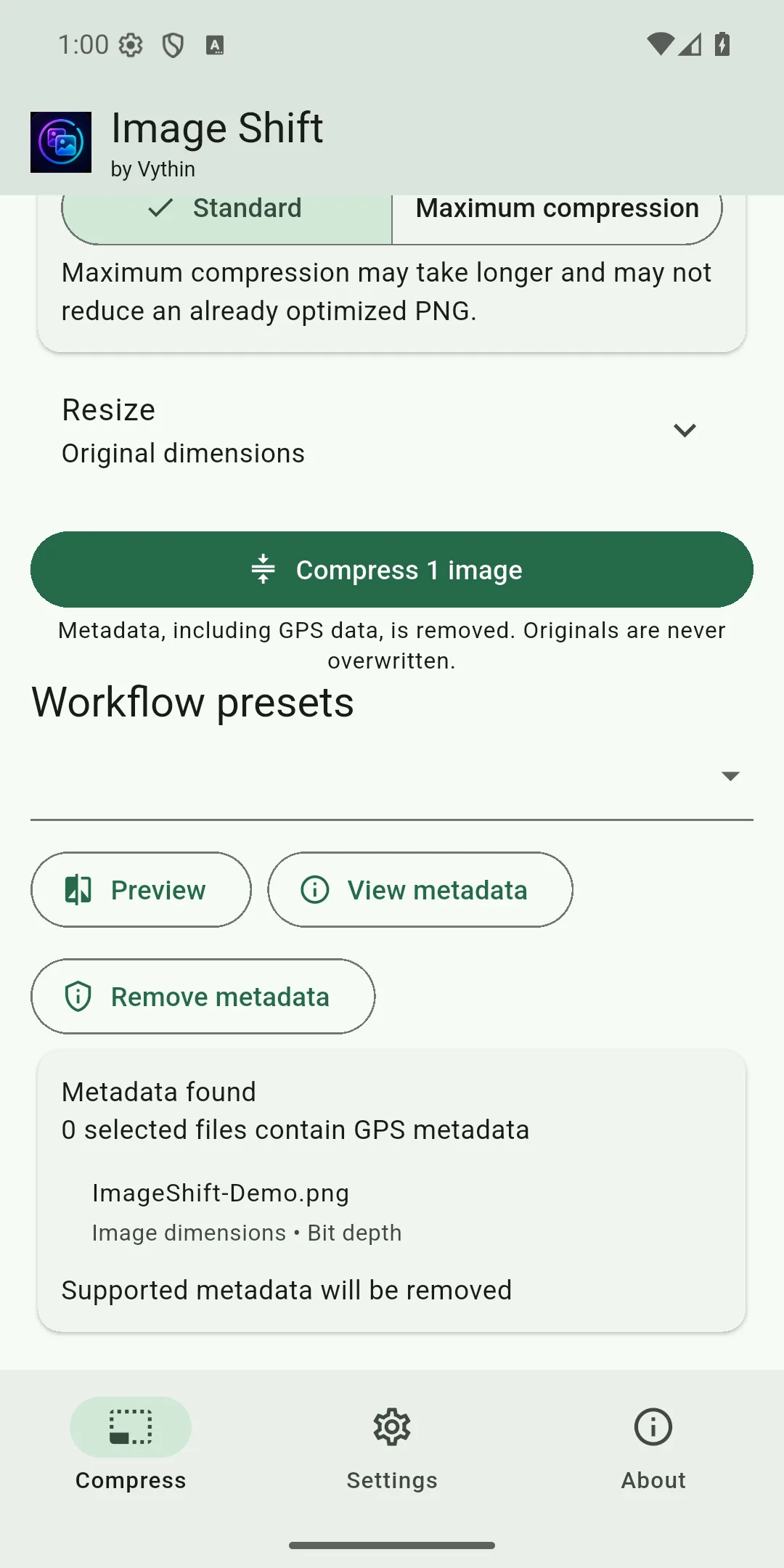
Inspect detected metadata and create a separate copy with supported metadata removed.
Create a PDF from one or more images entirely on the device.
Core conversion, compression, preview and metadata work without a network connection after installation.
PNG, JPEG, WebP and BMP.
PNG, JPEG, lossless WebP and PDF.
PNG lossless, JPEG lossy and WebP lossless.
HEIC/HEIF, AVIF, TIFF and animated output are not supported. PNG compression may not reduce an already optimized image.
Captured from Image Shift 1.0.0 build 1 on the API 36 release emulator, with a non-personal fixture.
Use Image Shift in English, Français, Español or العربية. Arabic uses the app’s authentic right-to-left layout.
Vythin builds focused applications with restrained scope and clear privacy documentation.
About